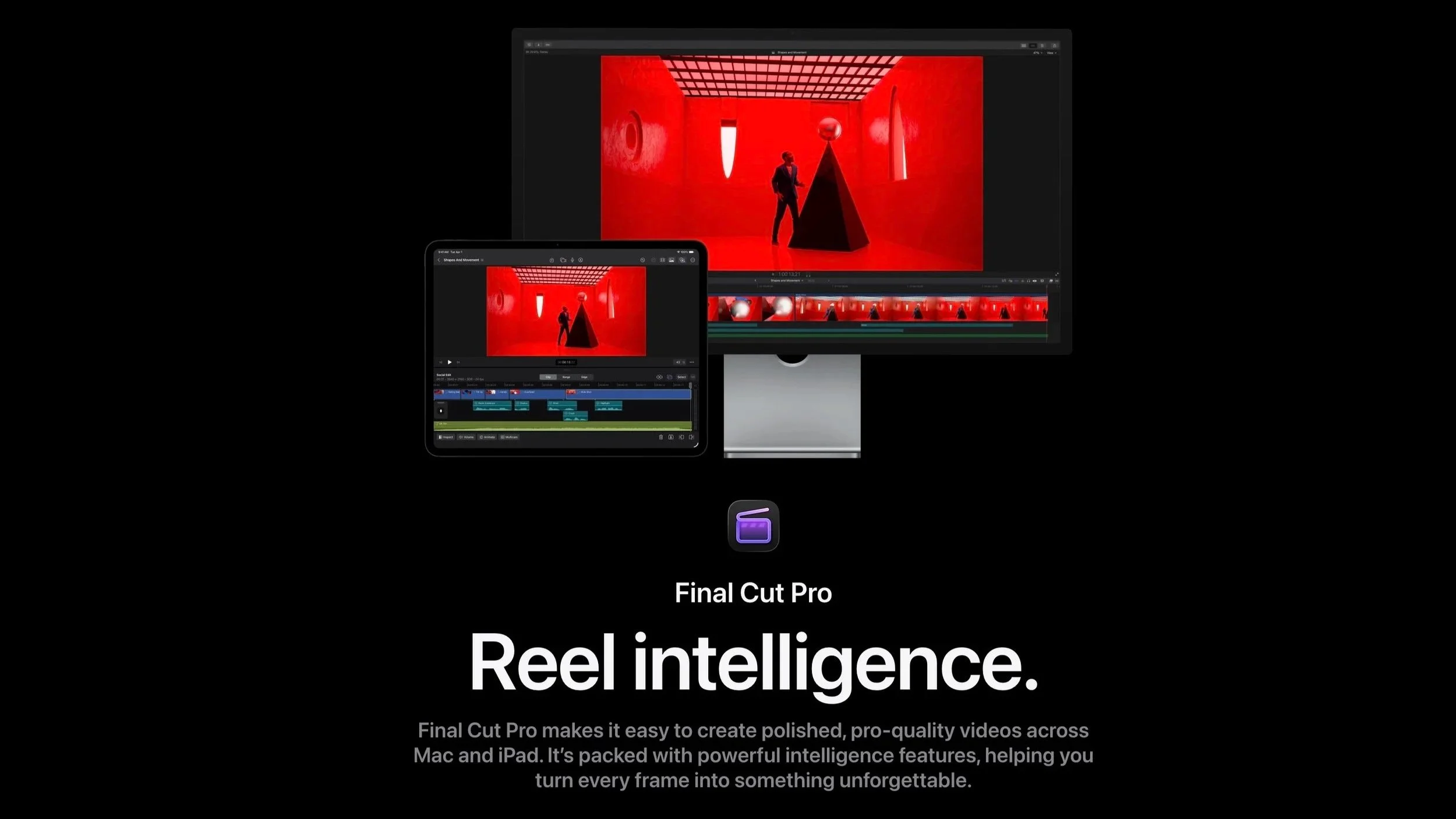
Final Cut Pro
Editing drone footage into a cinematic video requires more than cutting clips together. Aerial video contains long continuous shots, shifting light conditions, and wide dynamic range that must be carefully shaped in post production. The software used for editing plays a central role in how professional the final result looks. There are many editing platforms available today, ranging from beginner tools to advanced professional systems. Each one offers a different balance of speed, control, and visual precision. However, experienced production teams tend to rely on software that delivers both performance and creative flexibility. Nashville Drone Co, a production company specializing in cinematic aerial work across film, music videos, and commercial projects, has built its workflow around Final Cut Pro. This choice reflects their focus on speed, ownership of tools, and seamless performance on Apple systems. Combined with plugins and color grading tools, Final Cut Pro becomes the center of a complete cinematic editing pipeline.
What Makes Drone Footage Difficult to Edit
Drone footage is unique compared to traditional camera work. It often involves large landscapes, continuous motion, and natural lighting that changes quickly during a flight. These conditions create challenges during editing.
One of the main challenges is exposure variation. As a drone moves across different environments, brightness and contrast can shift dramatically. Another challenge is motion consistency. Even with advanced stabilization, aerial footage may require additional smoothing or reframing during post production.
File size is also a factor. Modern drones shoot in high resolution formats such as 4K and above. This means editing software must handle large files efficiently without lag or rendering delays.
Finally, storytelling plays a major role. Drone footage is often visually impressive on its own, but without proper pacing and structure, it can feel disconnected. Good editing turns raw aerial clips into a cohesive visual experience.
Popular Software for Drone Video Editing
There are several widely used editing platforms in the drone video industry. Each has strengths depending on the type of project.
Adobe Premiere Pro
Adobe Premiere Pro is a standard in the video production industry. It provides a flexible timeline, strong editing tools, and integration with other Adobe applications like After Effects and Photoshop.
Its strengths include advanced timeline control, collaboration features, and a wide ecosystem of plugins. However, it operates on a subscription model, which can become expensive over time. It also requires strong hardware performance when working with large drone files.
DaVinci Resolve
DaVinci Resolve is widely recognized for its professional color grading capabilities. It combines editing, visual effects, audio post production, and color correction in a single platform.
Many filmmakers use Resolve specifically for its grading tools, which are considered among the most advanced in the industry. It does offer a free version, but the full studio version unlocks additional features and performance improvements.
The main challenge is its learning curve. While powerful, it can feel complex for editors focused on fast production workflows.
Final Cut Pro
Final Cut Pro is the primary editing platform used by Nashville Drone Co. It is designed exclusively for macOS, which allows it to take full advantage of Apple hardware performance.
Unlike subscription-based tools, Final Cut Pro is purchased once and owned permanently. This is a key reason Nashville Drone Co prefers it, since it avoids recurring monthly costs and provides long-term value.
Why Nashville Drone Co Uses Final Cut Pro
Nashville Drone Co relies on Final Cut Pro for most of its editing work, including film projects, music videos, and commercial productions. The decision is based on performance, workflow efficiency, and cost structure.
Ownership Over Subscription
One of the main reasons for choosing Final Cut Pro is ownership. Once purchased, the software does not require ongoing payments. For a production company managing multiple projects, this creates predictable costs and long-term stability.
Mac Optimization
Final Cut Pro is optimized for Mac systems, which are used throughout Nashville Drone Co’s workflow. This allows for faster rendering, smoother playback, and efficient handling of high-resolution drone footage.
Editors can work with multiple layers of 4K or higher video without significant lag. This is important when dealing with cinematic aerial footage that requires precision timing and color accuracy.
Editing Speed and Organization
Final Cut Pro uses a magnetic timeline, which simplifies clip arrangement and reduces manual timeline adjustments. This is especially useful for drone footage, where long continuous shots need to be trimmed and structured efficiently.
The software also allows fast previewing and real-time adjustments, which helps editors refine pacing without constant rendering delays.
Plugins That Enhance Final Cut Pro Editing
While Final Cut Pro is powerful on its own, plugins expand its creative capabilities.
Pixl Films
Pixl Films provides a range of plugins designed for Final Cut Pro users. These tools help editors add motion graphics, transitions, and cinematic effects without building everything from scratch.
Common uses include:
Smooth cinematic transitions
Motion blur enhancements
Prebuilt storytelling templates
Dynamic aerial reveal effects
For Nashville Drone Co, these plugins speed up editing while maintaining a consistent cinematic style across projects. They also help standardize visual output when working on large client deliverables.
Color Grading for Cinematic Drone Footage
Color grading is one of the most important stages in drone video production. Raw aerial footage often appears flat or inconsistent due to changing light conditions during flight.
Proper grading helps unify shots and create a cinematic tone that supports storytelling.
Cinedream
Cinedream offers cinematic LUT packs that help create a film-like aesthetic. These presets are used to enhance mood, adjust tones, and create a unified visual style.
Nashville Drone Co uses both Cinegrade and Cinedream as part of their grading workflow inside Final Cut Pro. This combination allows them to maintain a consistent cinematic identity across different projects.
Cinegrade
Cinegrade provides LUTs and grading tools designed to improve color consistency across footage. These tools are especially useful for drone video, where exposure can shift quickly between environments.
Nashville Drone Co Editing Workflow
The editing workflow at Nashville Drone Co is designed for efficiency and visual consistency.
First, footage is imported into Final Cut Pro and organized by project type. Clips are reviewed and selected based on composition, motion, and lighting quality.
Next, editors build a rough cut. This stage focuses on pacing and structure rather than visual effects. Drone footage often requires careful timing to ensure smooth visual flow. Once the structure is complete, color grading is applied using Cinegrade and Cinedream tools. This step ensures consistency across all clips, even when they were filmed in different lighting conditions.
After grading, plugins from Pixl Films are added. These enhance transitions, motion flow, and visual polish.
Finally, audio is synchronized and the project is exported in formats optimized for platforms such as YouTube, commercial delivery, or film production.
Features That Matter Most for Drone Editing
When selecting editing software for drone footage, several features make a significant difference.
1) High-resolution support is essential for handling 4K or higher video formats. Real-time playback helps editors review footage without delays. Color grading tools allow for cinematic adjustments, while stabilization features help refine motion.
2) Export flexibility is also important. Different platforms require different formats, and professional software must support multiple output settings without quality loss.
Final Cut Pro provides all of these features within a streamlined system, which is why it remains central to Nashville Drone Co’s workflow.
Choosing the Right Editing Software
The best editing software depends on your workflow and production goals. Adobe Premiere Pro works well for teams that need cross-platform integration. DaVinci Resolve is ideal for users focused heavily on color grading. Final Cut Pro is best suited for Mac-based workflows that prioritize speed, ownership, and efficiency.
Nashville Drone Co’s choice reflects a practical balance between performance and long-term usability rather than trend-based software selection.
Final Thoughts
Editing drone footage into cinematic videos requires the right combination of tools, workflow, and creative control. While there are many software options available, the most effective choice depends on how you work and what you prioritize.
Nashville Drone Co demonstrates how Final Cut Pro can serve as a complete production hub when combined with the right plugins and grading tools. Its performance on Mac systems, one-time purchase model, and efficient workflow make it a strong foundation for professional drone editing. When paired with Pixl Films plugins and color grading tools like Cinegrade and Cinedream, Final Cut Pro becomes a powerful system for transforming raw aerial footage into cinematic content.
For creators working with drone video, the most important factor is not just the software itself, but how effectively it supports storytelling, consistency, and production speed.
Contact Nashville Drone Co to begin your drone video production project. info@nashvilledrone.co